
What's included
- Card with priority, status, customer, group and agent
- "Open ticket" button
- Critical tickets and SLA breaches highlighted
- Only tickets of one group – e.g. one channel per team
Your team lives in Microsoft Teams? Then new tickets and SLA breaches arrive there – as a card with priority, customer and a button to the ticket.
Create a "Workflows" webhook in the channel – the how-to is right in the form.
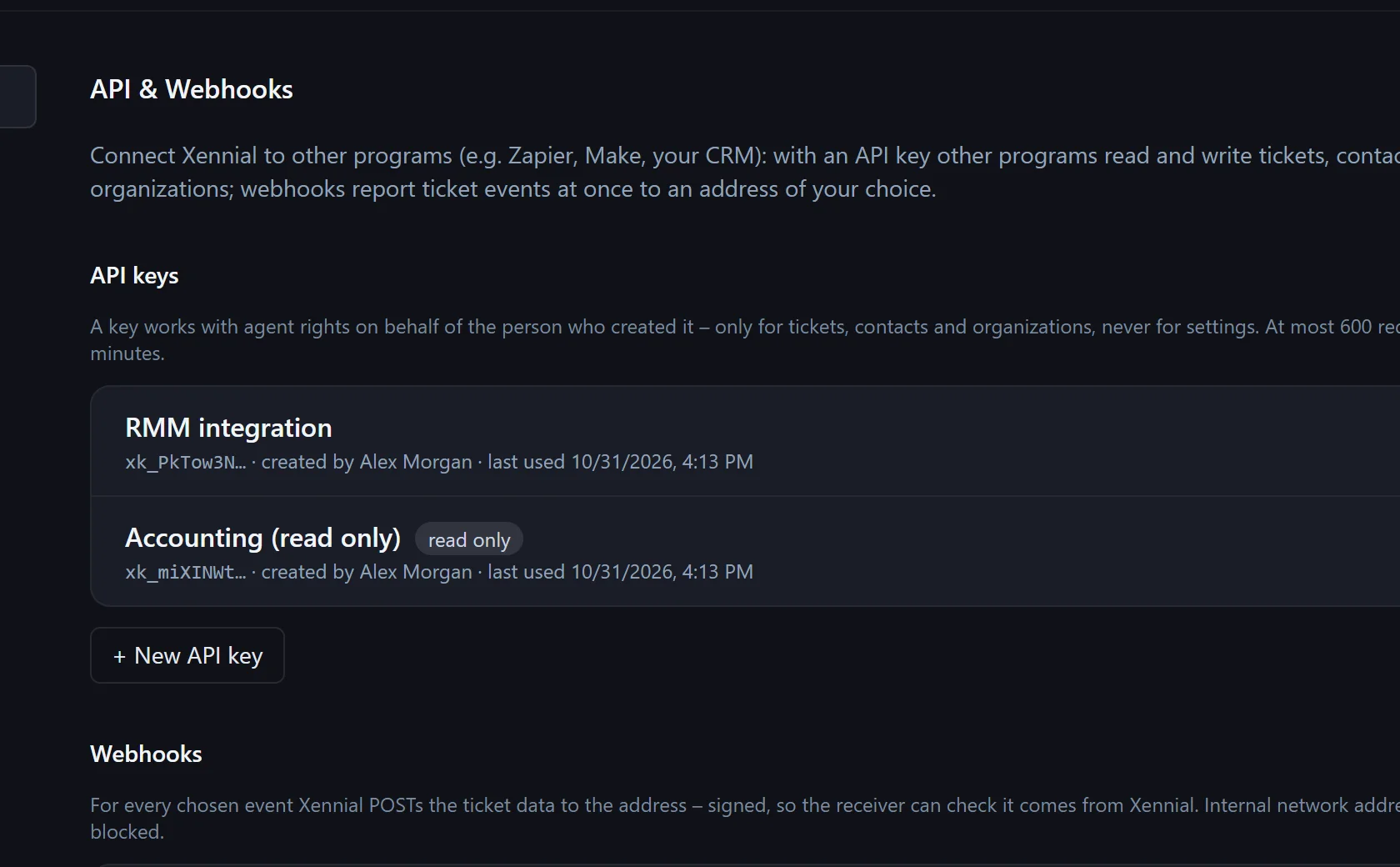
Settings → API & Webhooks → "Connect Microsoft Teams", paste the address, choose events.
New tickets, changes, customer replies or SLA breaches appear as a card in the channel.
No. Xendor only sends to the webhook address you create in the channel.
Yes, e.g. one per group with "Only tickets of group".
Your company's language in Xendor.
In the pilot program: personal onboarding, then $25 (US) or €25 (EU, plus VAT) per agent per month, guaranteed for 24 months.